
Remos Overview
Your Markdown Workspace, anywhere. Browse, search, edit, and ask AI from your phone. Free to use.
📖 Introduction
Remos connects your phone to a Markdown Workspace on your own computer. Start the host from the CLI in a Markdown folder, or use the Obsidian plugin described on this page:
- Remos Host plugin (
remosidian-host): an Obsidian desktop plugin that turns your computer into a private, local-first host for your vault - Remos mobile app: pair your phone with the host via a QR code, then browse, search, edit, and ask AI about your vault remotely
Your workspace stays on your computer. The phone accesses it through the paired host without syncing a full copy to a cloud service.
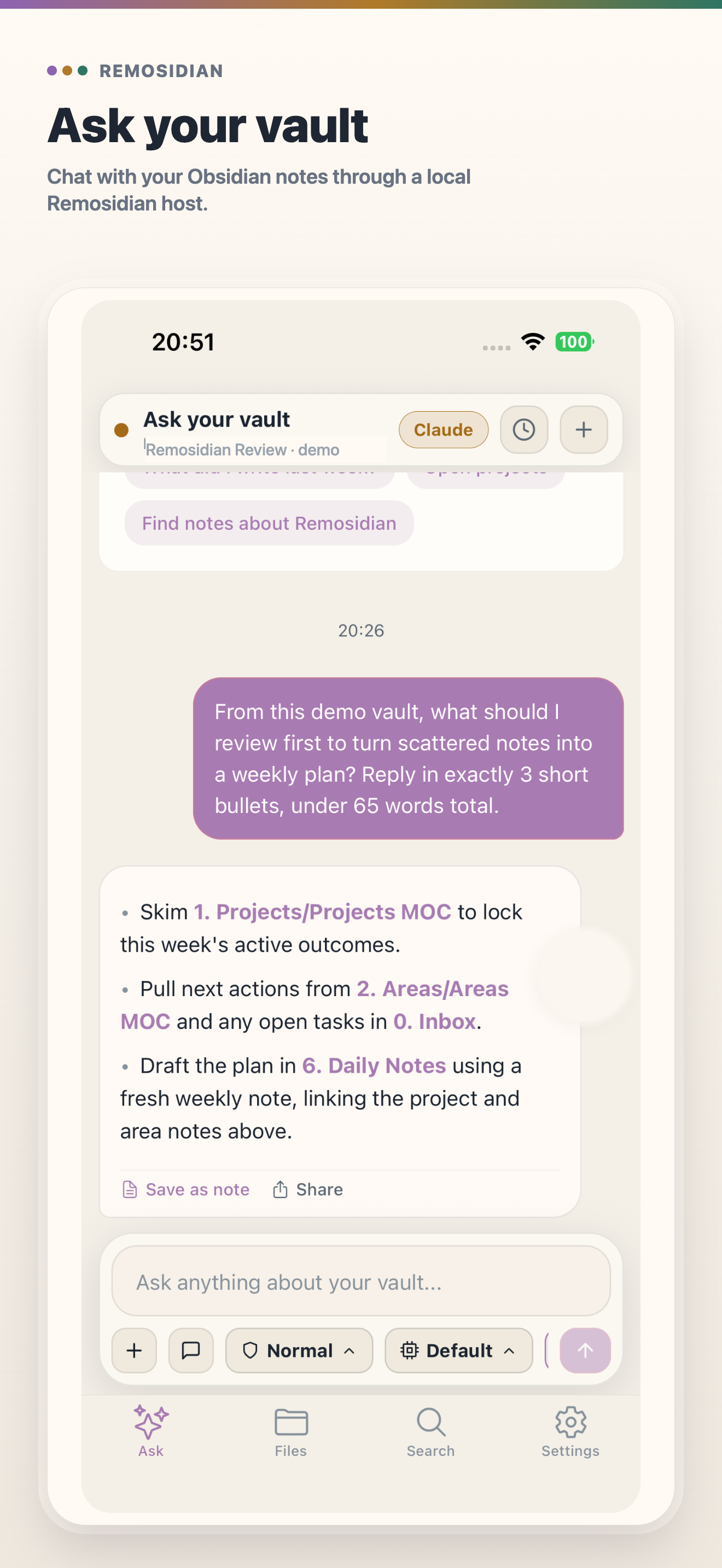
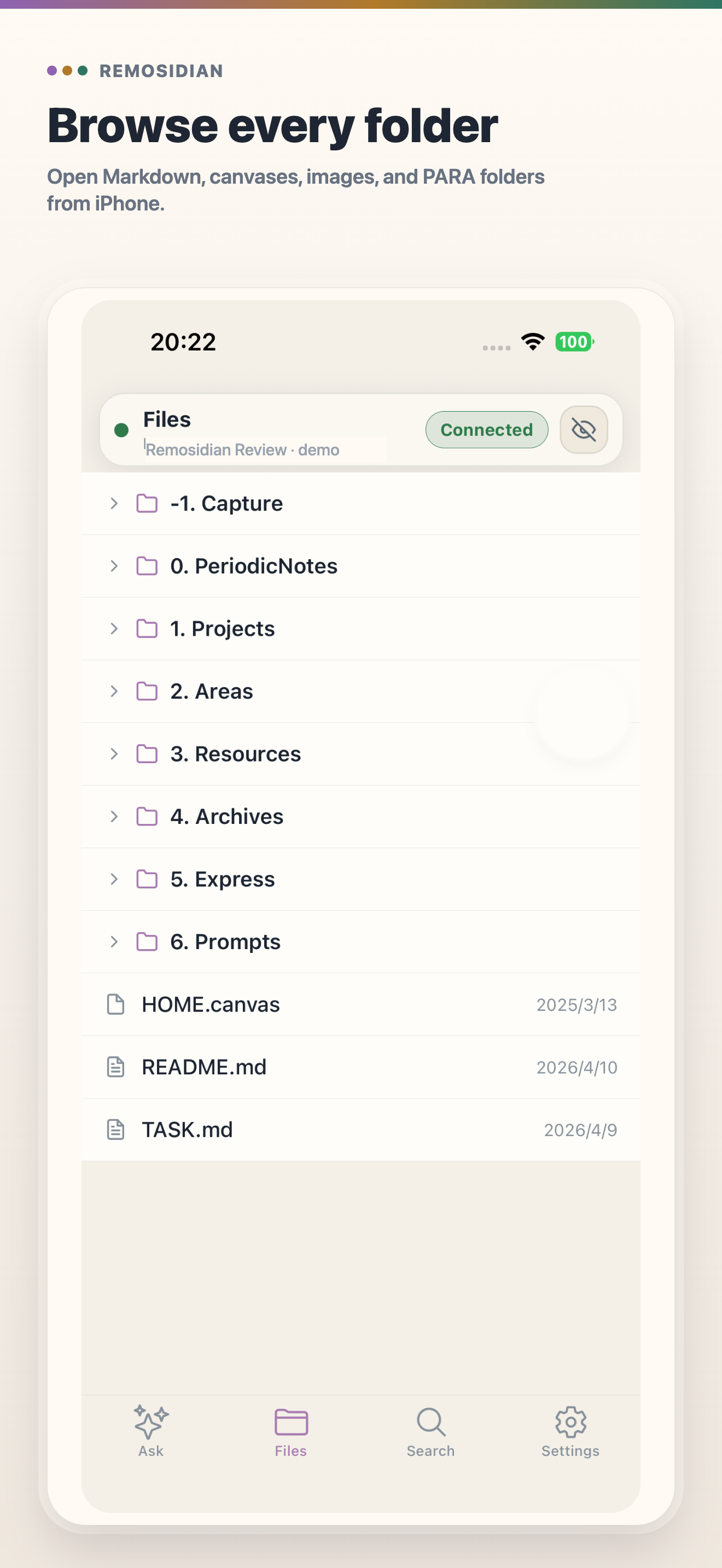
✨ Main Features
- 📂 Browse Markdown files: open folders, read Markdown, and follow wikilinks on the go
- 🔍 Search your vault: full-text search from your phone
- ✦ Ask with vault context: forgot what a note said? Ask from your phone while Claude or Codex reads context on the paired host
- 🏠 Local-first host: your vault stays on your computer; nothing is synced to a third-party cloud
- ⧉ QR pairing: bind the phone to the host with a short-lived QR code, no account required
- ↗ Remote ready: start with local access, then add a relay only when you need away-from-desk access
🚀 Quick Start
- Install the Remos Host plugin in desktop Obsidian and enable it
- Install the Remos mobile app on your phone — see the official site for download options
- In Obsidian, open the Remos Host settings and show the pairing QR code
- Scan the QR code with the Remos app — you are connected
For detailed installation and pairing steps, read the Remos guide.
💎 Free vs Pro
The Remos Host plugin and the core mobile experience (browse, search, ask, pairing, raw Markdown reading, and basic editing) are free. A Remos Pro in-app subscription unlocks advanced previews and editor blocks such as Excalidraw, embeds, and other enhanced Markdown rendering. You can still read and edit raw Markdown without a subscription.