
LifeOS
Baue dein Lebensmanagement-System mit Obsidian
Einfache, effektive und benutzerfreundliche PARA-Notizvorlage, kombiniert mit periodischen Notizen und KI-Erweiterung, die Wissens- und Aufgabenverwaltung leichter macht
Explore the LifeOS workflowCapture freely, then retrieve notes through topic tags and indexes.


Obsidian LifeOS Pro
Learn by following real actions
Try the English-interface walkthrough for your first note and task. The 34-chapter course covers installation, activation, projects, reviews, and AI, with Chinese or English narration over a Chinese interface. Original chapter numbers 00–29 and 32–35 are retained; dedicated Google Calendar and mobile sync walkthroughs are not included.
Video-Demo
LifeOS Pro Funktionen Demo
LifeOS Basisfunktionen
Die Basisversion bietet umfassende Kernfunktionen
Sofort einsatzbereit
Understand the core folders, periodic notes, and PARA workflow before setting up your own system.
Stressfreies Erfassen
Notiere Stichpunkte in deinem Tagebuch ohne Druck und nutze Usememos für schnelle mobile Eingaben
Schnelles Auffinden
Leistungsstarke Indexierungsfunktion zum schnellen Auffinden von Dateien, Aufgaben und Stichpunkten
Periodische Notizen
Einfaches Aufgaben-, Ziel- und Zeitmanagement mit periodischen Notizen
Wissensmanagement
Die beste PARA-Umsetzung in Obsidian, dein zweites Gehirn
Dediziertes Plugin
Erstelle PARA-Notizen und periodische Notizen visuell, bequem und schnell
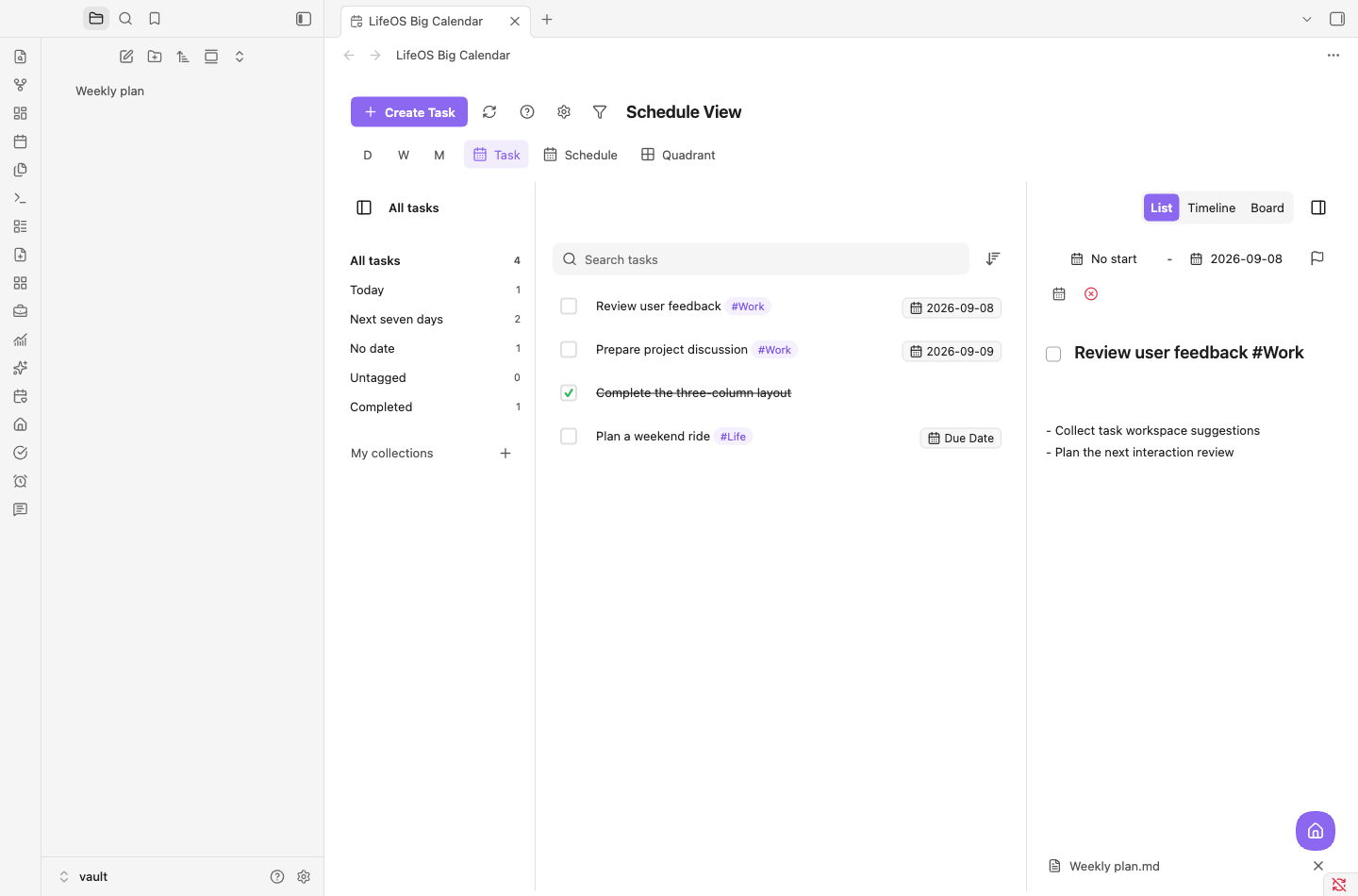
Obsidian LifeOS Pro · New task workspace
A workspace for the tasks in your notes
Bring tasks from across your notes into one place to search, sort, filter, and edit their details.
- Collections, tasks, and details together
- Switch between list, timeline, and board
- Save notes under the original Markdown task
LifeOS Pro Funktionen
Upgrade auf Pro und schalte leistungsstärkere Funktionen frei
Terminplanung
Plane per Drag & Drop im großen Kalender die Frist für jede Aufgabe, abonniere Remote-Kalender und verwalte alle Kalenderdaten zentral
- Visuelle Kalenderansicht
- Aufgabenplanung per Drag & Drop
- Bidirektionale Synchronisation mit Remote-Kalendern
- Zentralisierte Multi-Kalender-Verwaltung
- Kanban-Ansicht
- Zeitachsenansicht
- Pomodoro-Timer
Erweiterte Liste
Suche, Sortierung und Filterung, um Dateien, Aufgaben und Stichpunkte überall leicht zu finden
- Seitenumbruch: lange Listen bequem durchblättern
- Sortierung: nach Datum und Status sortieren
- Suche: Text- und Datumssuche mit einem Klick
- Filter: Zielinhalte präzise finden
Startseite
Überblick über Systemeingaben, Projekte, Aufgaben und Ergebnisse
- Workflow: Projektmanagement aus einer Hand, ein effizienter Kreislauf von der Eingabe bis zur Auslieferung
- Gewohnheitsstatistik: verstehe wissenschaftlich deinen Gewohnheitsbildungszyklus
- Zufallsnotizen: belebe deine historischen Notizen und rege die Kreativität an
DeepAsk KI-Funktionen
KI-Frage-Antwort-Plugin, maßgeschneidert für LifeOS Pro
KI-Erweiterung
Führe Echtzeitgespräche mit deinen Notizensinhalten, erhalte schnell Erkenntnisse und Antworten
- Multi-Modell-Unterstützung: wähle das passende Modell nach Bedarf
- Echtzeit-Inhaltsdialog: führe Echtzeitgespräche mit Notizensinhalten
- Chrome-Erweiterung: nahtlose Browser-Integration
- Tag-Integration: intelligentes Tag-System

Sync Pro
Sync notes between Obsidian and Aino, using your own storage.
One vault across desktop, Android and iOS
Connect WebDAV or S3-compatible storage for Markdown notes and attachments, with manual sync, foreground automatic sync and preserved conflict copies.
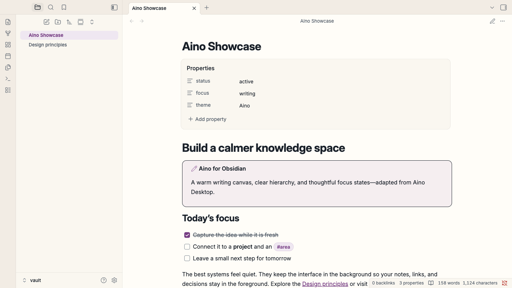
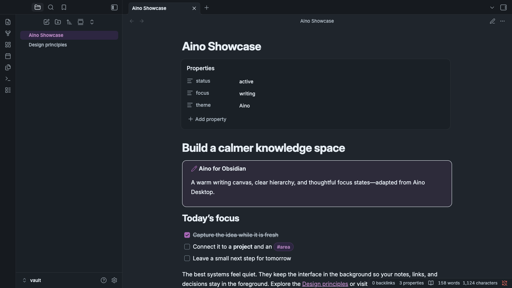
Installation, activation and usage guideAino: a warmer, more focused Obsidian
A warm writing canvas, cool slate text, and soft purple accents create a calm knowledge workspace while keeping Obsidian familiar.
- Complete light and dark modes
- Polished editor, tags, properties, tables, Canvas, and graph views
- Local CSS only, with no external fonts, images, or network requests
DatenschutzNutzungsbedingungenSupport: quanruzhuoxiu@gmail.com
© 2026 LifeOS. All rights reserved.